
Adding upsell CTAs to your website
Build small call-to-action cards that open a booking form, themed per card and embedded anywhere.
An upsell CTA is a small service card you embed on your site — "Need storage?", "Piano move?" — that opens a booking form tagged with the right request type. Manage them at Settings > Upsell CTAs (the Website group).
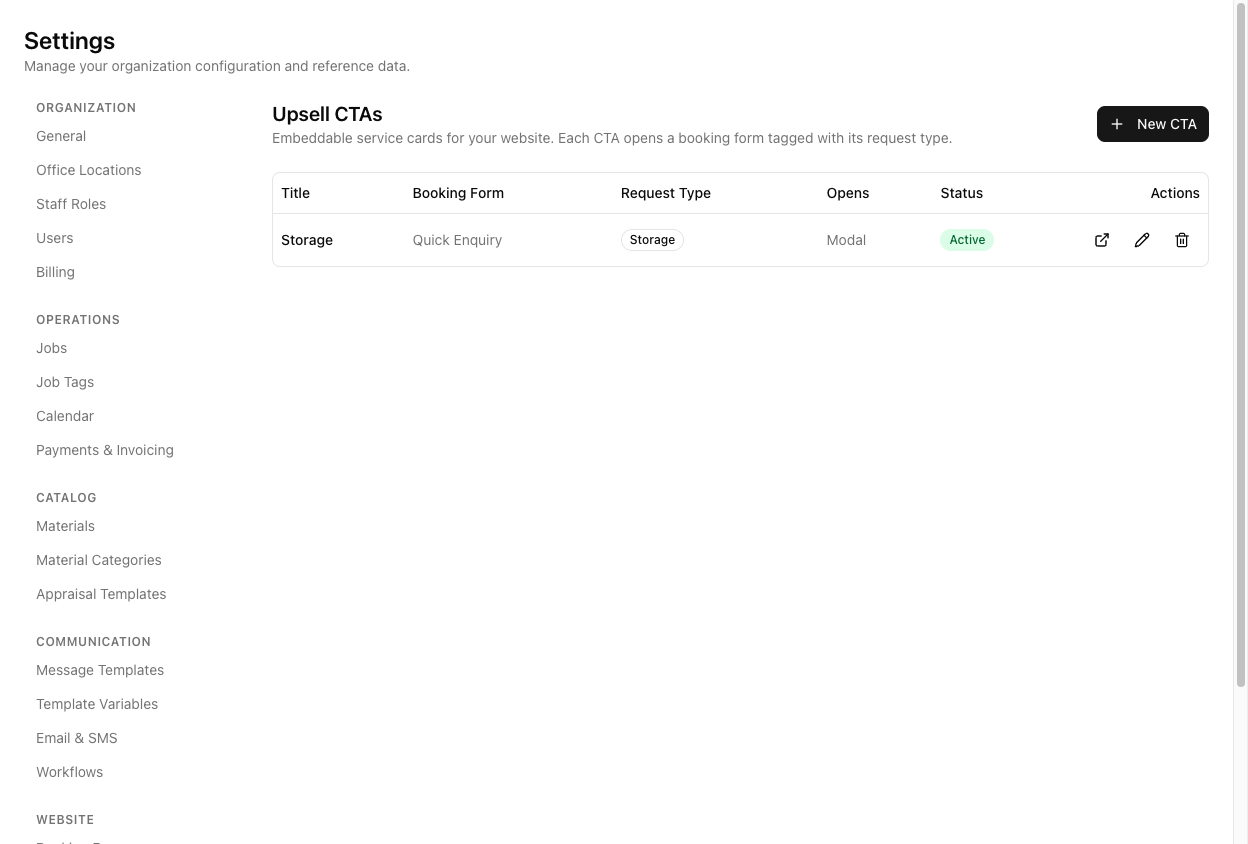
Create one
Click New CTA. A CTA has:
- A Name (internal only — not shown on the card) and a Title (what the card shows). These are two different things.
- An icon, a description, and a button label.
- A Booking form it opens — defaults to your default form, so a CTA does not have to point at a specific one.
- A Request type (auto-follows the form until you change it).
- An On click behaviour: Same page, New tab, or Modal.
- An Active toggle (inactive CTAs 404 on their embed URL).
- A live Preview.
Modal needs the JavaScript embed
If you set On click to Modal, you must use the JavaScript embed, not the iframe one. The editor warns you: "The iframe-only embed can't open a modal — it falls back to navigating the page. Use the JavaScript embed for modal behaviour." The JavaScript block is labelled (modal-capable).
Pick Modal and paste the iframe embed, and clicking the card just navigates the page instead of popping the form.
CTAs can be themed individually
Unlike booking forms — which share one global theme — each CTA has its own colours. The theme has seven settings (brand primary and its text, plus background, text, icon box, description text, and border), with auto-contrast unless you pick manually. So your CTAs can match different parts of your site.
Tutorial: add a "Need storage?" card to your moving page
You want a storage prompt on your moving-services page.
Settings > Upsell CTAs → New CTA. Set Name to Storage upsell — moving page (internal, for you) and Title to Need storage? (what visitors see). Keep those two straight — the name is your label, the title is the customer's.
Set Booking form to your storage form. The Request type follows it to Storage, so submissions are tagged correctly. If you leave the form as default, it will open your default form instead — set it deliberately.
Pick a storage-ish icon, a short description ("Between homes? We can store your things."), and a button label ("Get a storage quote").
Set On click to Modal so the form pops over the page without navigating away — the smoothest experience for an upsell.
Set the CTA's Primary colour to your brand. CTAs theme individually, so this card can match your moving page even if another CTA elsewhere looks different.
Save the CTA (embed appears after saving). Because you chose Modal, copy the JavaScript embed — the one marked (modal-capable). The iframe embed would fall back to navigating the page, which is not what you want.
Paste it on your moving page and click the card. The storage form should open as a modal. If it navigates the page instead, you pasted the iframe embed — swap it for the JavaScript one.